
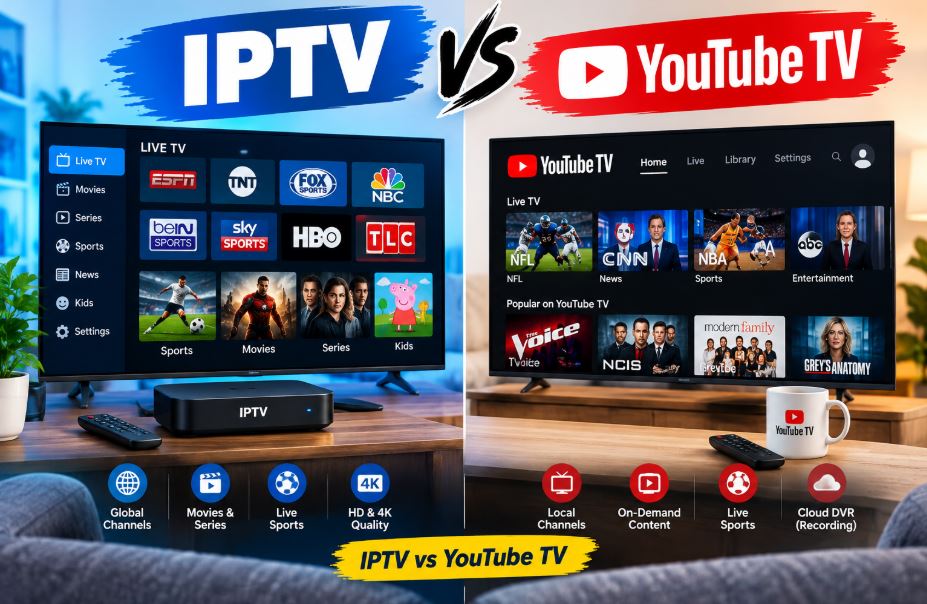
Cutting the cord used to mean one simple choice: cable or nothing. Today, it means picking your way through a crowded field of streaming TV options, and two terms come up constantly — IPTV and YouTube TV. IPTV vs YouTube TV with their comparison chart you will get here. The confusing part is that these aren’t quite equivalent categories. One is a broad technology; the other is a specific, well-known product built on that same technology.
This guide breaks down exactly what separates them, where each one shines, and which is the smarter pick depending on what you actually watch.
Overview of IPTV and YouTube TV
What Is IPTV?
IPTV stands for Internet Protocol Television. It’s the general method of delivering TV content over the internet instead of through traditional satellite dishes or cable lines. Anytime you’re watching live channels streamed through an internet connection rather than an antenna or coaxial cable, you’re technically using IPTV.
IPTV isn’t one company or app — it’s an entire category. It includes:
- Legitimate subscription services from telecom and streaming companies (Verizon Fios TV, AT&T U-verse, Sling TV, fuboTV, and similar)
- App-based live TV bundles offered by major streaming platforms
- Unauthorized reseller services that stream copyrighted channels without proper licensing
That last category is worth flagging early: a large chunk of “cheap IPTV subscription” ads floating around online are unlicensed and operate in a legal gray zone at best. This guide focuses on IPTV as a legitimate technology and the licensed services built on it, not on unauthorized streaming providers.
What Is YouTube TV?
YouTube TV is a specific, licensed live TV streaming service owned by Google. It’s technically a form of IPTV, since it delivers cable-style channels over the internet, but it’s a single, fully legal, subscription-based product with a fixed price, a defined channel lineup, and official customer support.
Launched in 2017, YouTube TV has grown into one of the most popular cable replacements in the U.S., offering major broadcast networks, sports channels, and cloud DVR storage — all through one app.
Difference Between IPTV and YouTube TV
The core distinction is simple once you see it laid out:
| Aspect | IPTV (General) | YouTube TV |
|---|---|---|
| What it is | A delivery technology and broad category of services | One specific, branded live TV service |
| Licensing | Varies — some legal, some unauthorized | Fully licensed by Google |
| Pricing | Wide range, from free/unlicensed to $40–$80/month for legal providers | Fixed at $82.99/month (base plan) |
| Channel lineup | Varies wildly by provider | 100+ channels including ABC, CBS, NBC, FOX, ESPN |
| Customer support | Inconsistent, especially with unauthorized services | Official Google support |
| Legal risk | Can be high if using unauthorized providers | None — fully legal |
| 4K availability | Depends entirely on the provider | Available via 4K Plus add-on ($9.99/month) |
| DVR | Varies by provider | Unlimited cloud DVR included |
The takeaway: comparing “IPTV vs YouTube TV” is really comparing a category to one specific member of that category. A licensed IPTV service like fuboTV can be compared apples-to-apples with YouTube TV. An unauthorized IPTV reseller, on the other hand, isn’t a fair comparison at all — it comes with legal and security risks YouTube TV simply doesn’t carry.
Pros and Cons of IPTV
Pros
- Often cheaper than traditional cable, especially with legal budget providers
- Huge variety of providers and channel packages to choose from
- Many services offer international and niche sports channels hard to find elsewhere
- Works on most smart TVs, streaming boxes, and mobile devices
Cons
- Quality and reliability vary enormously between providers
- Unauthorized services carry real legal and malware risk
- Customer support can be nonexistent with smaller or unlicensed providers
- No consistent standard for HD/4K quality across the board
Pros and Cons of YouTube TV
Pros
- Fully legal with no legal gray areas to worry about
- Reliable streaming quality backed by Google’s infrastructure
- Unlimited cloud DVR storage with 9-month retention
- Strong live sports coverage, including NFL Sunday Ticket as an add-on
- Simple, single monthly bill with transparent pricing
Cons
- One of the most expensive live TV streaming options on the market
- 4K viewing requires an extra $9.99/month add-on
- Limited international and niche channel selection compared to some IPTV providers
- Price has increased multiple times since 2017 (from $35/month at launch to $82.99/month today)
Is YouTube TV 4K Worth It?
YouTube TV’s 4K Plus add-on costs an extra $9.99 per month and unlocks 4K streaming for eligible content, offline downloads to mobile devices, and unlimited simultaneous streams at home.
Whether it’s worth it comes down to how you watch:
- Worth it if: you regularly watch sports or shows that are actually broadcast in 4K, you own a 4K TV, and you want offline downloads for travel.
- Skip it if: most of your viewing is standard cable-quality content, since a large share of live TV programming still isn’t broadcast in native 4K anyway.
The honest catch is that even with 4K Plus enabled, only select content — mainly certain sports broadcasts and on-demand titles — actually streams in 4K. You’re not unlocking 4K across the entire channel lineup.
Is IPTV 4K Worth It?
For legal IPTV providers, 4K availability depends entirely on which service you choose. Some premium providers include 4K channels or on-demand libraries at no extra cost, while others charge more or don’t offer 4K at all.
If you’re evaluating a legitimate IPTV provider’s 4K tier, ask two questions before paying extra:
- Is the 4K content actually native 4K, or upscaled from a lower resolution?
- Does your internet connection support it? 4K streaming typically needs a stable connection of at least 25 Mbps.
If both check out and the provider is reputable, 4K can be worth the upgrade. If you’re looking at an unauthorized or unusually cheap provider promising “4K everything” for a few dollars a month, treat that claim with heavy skepticism — inflated quality promises are one of the most common red flags in that space.
Is YouTube TV Better Than IPTV?
It depends what you’re comparing it to.
- Vs. unauthorized IPTV services: Yes, without question. YouTube TV is fully legal, reliable, and backed by real customer support — advantages an unlicensed provider can’t match, regardless of price.
- Vs. legitimate IPTV competitors like Fubo TV, Sling TV, Pixzo TV, Zest IPTV, or Philo: It’s closer. YouTube TV generally wins on reliability, DVR storage, and sports coverage, but it often loses on price. Budget-focused legal alternatives can cost significantly less per month, even if they offer fewer channels.
If price is your top priority and you’re willing to trim the channel list, a legal budget IPTV-based service may suit you better. If reliability, sports coverage, and simplicity matter more than saving a few dollars, YouTube TV is generally the stronger pick.
Examples of IPTV and YouTube TV
Examples of legal IPTV-based services:
- Sling TV
- fuboTV
- Philo
- Hulu + Live TV
- DirecTV Stream
YouTube TV:
- A single product from Google, with no other “versions” — just its base plan and optional add-ons like 4K Plus, Spanish Plan, and NFL Sunday Ticket.
Every one of the services above is, strictly speaking, an IPTV service — YouTube TV included. The difference in everyday conversation is that “YouTube TV” refers to one specific brand, while “IPTV” is the umbrella term covering all of them, plus the many unlicensed alternatives you’ll find advertised online.
Frequently Asked Questions
Is YouTube TV a type of IPTV? Yes. YouTube TV delivers live channels over the internet, which technically makes it an IPTV service — just one that’s fully licensed and branded.
Is IPTV legal? IPTV as a technology is completely legal. Legality depends on the specific provider: licensed services like YouTube TV, Sling TV, and fuboTV are fully legal, while many low-cost “IPTV subscription” resellers stream copyrighted content without authorization, which is not legal.
Which is cheaper, IPTV or YouTube TV? It depends on the provider. Legal budget IPTV services like Sling TV can cost less than half of YouTube TV’s $82.99/month base price, though usually with fewer channels.
Does YouTube TV offer 4K for free? No. Standard YouTube TV streams in HD. 4K access requires the 4K Plus add-on for an extra $9.99/month.
What’s the safest way to choose an IPTV provider? Stick to well-known, licensed services with transparent pricing, verifiable company information, and official app store listings. Extremely cheap “lifetime” IPTV deals are a common warning sign of unauthorized services.
Final Verdict
IPTV isn’t a competitor to YouTube TV — it’s the broader category YouTube TV belongs to. The real decision isn’t “IPTV vs YouTube TV,” it’s choosing between YouTube TV and the many other legal IPTV-based services on the market.
For reliability, sports coverage, and hassle-free legality, YouTube TV remains one of the strongest options available, even at a premium price. For budget-conscious viewers willing to shop around, legitimate lower-cost IPTV alternatives can deliver solid value — just steer clear of any provider that seems too cheap to be legal.