
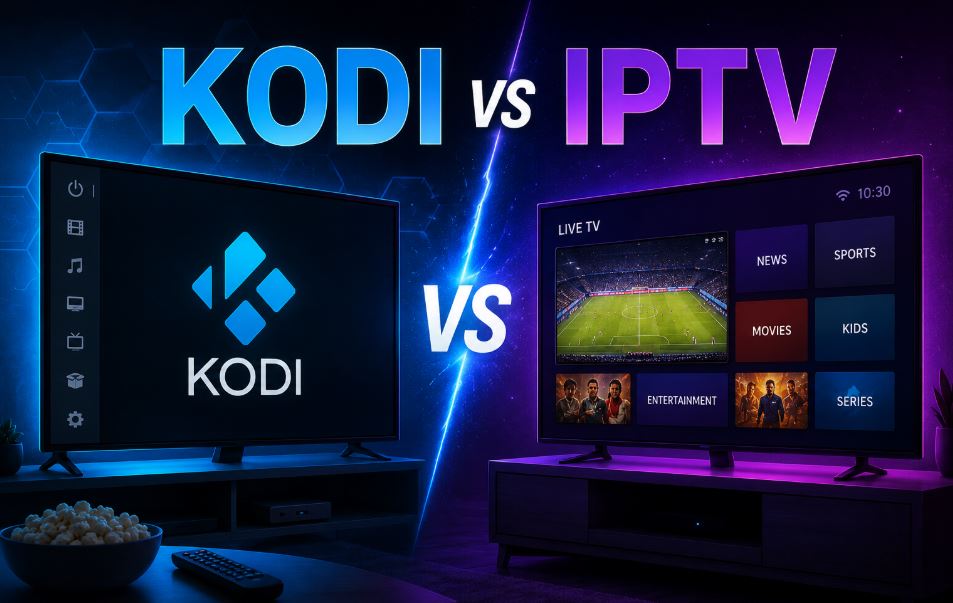
Streaming entertainment has never been more popular, and two names keep coming up in the conversation: Kodi and IPTV. Because the two are often mixed up. IPTV is the content delivery method. You usually watch it through an app, a set-top box, or a player (which can even be Kodi).
Here’s the clear truth: Kodi and IPTV are not the same thing. One is free media-player software. The other is a way of delivering live TV channels over the internet.
Definition of Kodi and IPTV
Understanding the difference helps you pick the right option for movies, series, live sports, or international channels—while staying on the safer, more reliable side.
What Is Kodi?
Kodi is a free, open-source media center application. It runs on almost any device—Android boxes, Fire Stick, smart TVs, computers, Raspberry Pi, and more.
Kodi’s main job is to organize and play your own media files (movies, TV shows, music, photos) from local storage or network drives. Through add-ons, it can also pull content from the internet. Some add-ons are completely legal (official YouTube, Twitch, or public-domain content). Others point to unauthorized streams and carry legal and security risks.
In short: Kodi is the player and organizer. It does not provide content by itself.
What Is IPTV?
IPTV stands for Internet Protocol Television. It delivers live TV channels, on-demand shows, and sometimes movies through an internet connection instead of traditional cable or satellite.
Legitimate IPTV services work like modern cable packages: you pay a subscription and get authorized channels with electronic program guides, catch-up TV, and multi-device support. Unauthorized “IPTV” services often resell pirated streams at very low prices and come with the usual risks—unstable quality, sudden shutdowns, malware, and potential legal issues.
Difference Between Kodi and IPTV
The core difference is simple:
| Aspect | Kodi | IPTV |
|---|---|---|
| What it is | Free media player / software | Content delivery service (live TV + VOD) |
| Main purpose | Organize and play local or online media | Stream live channels and on-demand content |
| Content source | Your files + optional add-ons | Provider’s channel package |
| Cost | Free software (add-ons may vary) | Usually paid subscription |
| Live TV focus | Possible only via third-party add-ons | Designed for live TV and sports |
| Setup complexity | Can be simple or advanced | Often plug-and-play with an app or box |
| Legal status | Software itself is legal; some add-ons are not | Depends entirely on the provider |
Kodi is the tool. IPTV is the TV service. You can even use Kodi as one of the players to watch a legitimate IPTV subscription if the provider supplies an M3U playlist or compatible add-on.
Pros and Cons of Kodi and IPTV
Kodi Pros
- Completely free and open-source
- Excellent for organizing large personal media libraries
- Highly customizable interface and skins
- Works on almost every device
- Supports 4K, subtitles, and advanced playback features
- Large community and frequent updates
Kodi Cons
- No built-in live TV or premium content
- Many popular add-ons rely on unauthorized sources (legal and security risks)
- Setup can feel technical for beginners
- Add-ons frequently break or disappear
- Requires regular maintenance and updates
IPTV Pros
- Designed for live television and sports
- Electronic program guide (EPG) and catch-up features
- Multi-device support and simultaneous streams
- Often simpler “set it and forget it” experience
- Legitimate services offer reliable quality and customer support
IPTV Cons
- Legitimate services cost money every month
- Unauthorized services are unstable, risky, and illegal
- Quality and channel lineups vary widely between providers
- Depends on a stable, fast internet connection
- Some regions have limited legal options
Comparison Chart: Kodi vs IPTV at a Glance
- Best for personal media library → Kodi
- Best for live sports and channels → Legitimate IPTV
- Upfront cost → Kodi (free) vs IPTV (subscription)
- Ease of use for beginners → Good IPTV apps usually win
- Customization → Kodi wins easily
- Reliability of content → Legitimate IPTV is far more consistent
- Risk level → Low with official Kodi + legal sources; high with shady add-ons or unauthorized IPTV
Which Is Better: Kodi or IPTV?
There is no single winner—it depends on what you want.
Choose Kodi if you already have a large collection of movies and shows, enjoy customizing your interface, and mainly want a powerful free media player. It is excellent as a local media center.
Choose legitimate IPTV if your priority is live television, sports, news, or international channels with a reliable schedule and program guide. A proper paid service is usually more convenient and stable for daily TV watching.
Many people use both: Kodi for their personal library and a legal IPTV subscription (or official apps like those from cable providers, YouTube TV, Fubo TV, Zest IPTV, Polu TV etc.) for live content. Combining the two often gives the best of both worlds without stepping into gray areas.
Frequently Asked Questions
What is the main difference between Kodi and IPTV?
Kodi is free media-player software. IPTV is a method of delivering live and on-demand television over the internet.
Can I watch IPTV on Kodi?
Yes. Many legitimate IPTV providers supply M3U playlists or dedicated Kodi add-ons so you can watch their service inside the Kodi interface.
Is Kodi legal?
The Kodi software itself is 100% legal. Problems arise only when users install add-ons that stream copyrighted content without permission.
Is IPTV legal?
It depends on the provider. Official services that hold broadcasting rights are legal. Unauthorized resellers of pirated streams are not.
Which is better for live sports – Kodi or IPTV?
A legitimate IPTV service (or official sports streaming platforms) is almost always more reliable and higher quality than Kodi add-ons.
Do I need a VPN with Kodi or IPTV?
A reputable VPN can add privacy and security, especially on public Wi-Fi. It does not make unauthorized streams legal.
Can beginners use Kodi easily?
Basic playback of local files is straightforward. Advanced add-on setups have a learning curve. Most modern IPTV apps are simpler for pure live TV.
Conclusion
When people search for “Kodi VS IPTV,” they usually want a clear answer to “Which should I use?” The smart approach is to treat them as different tools rather than direct competitors.
Kodi shines as a free, flexible media center for your own content. Legitimate IPTV services excel at delivering live channels and sports with convenience and reliability. Using unauthorized sources with either option introduces unnecessary risks that most users prefer to avoid.
Focus on what you actually want to watch, choose legal options whenever possible, and you’ll enjoy a smoother, safer entertainment experience. Whether you go with Kodi, a quality IPTV subscription, or a combination of both, understanding the real difference puts you in control.