
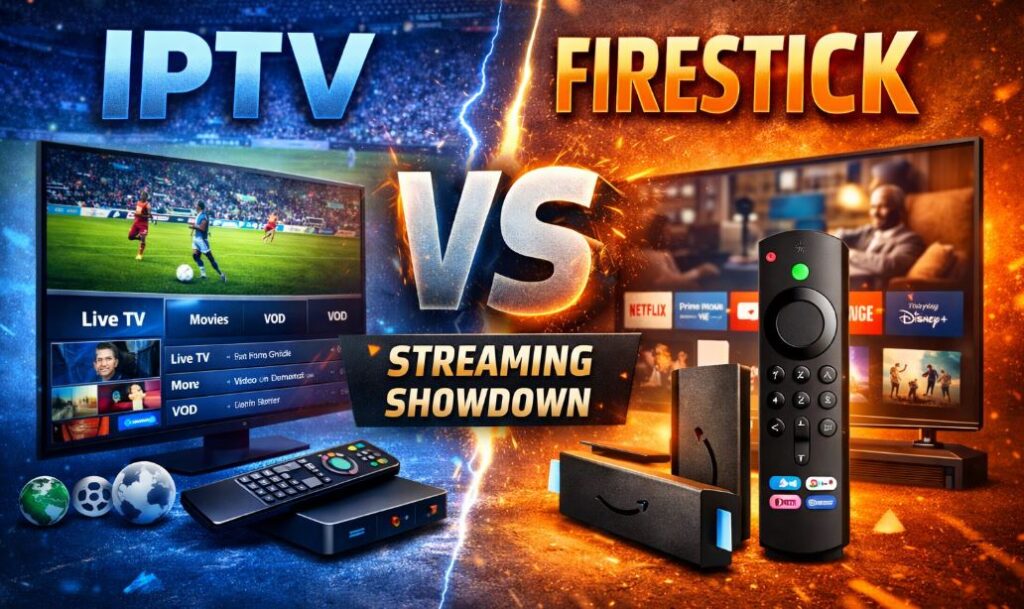
Streaming TV has changed how we watch entertainment. Today, two popular terms often confuse users: IPTV and Amazon Firestick. Many people think they are competitors, but they actually serve very different purposes.
In this guide, we’ll clearly explain IPTV vs Firestick, their differences, pros and cons, and how they work together. By the end, you’ll know which option—or combination—is best for you.
What Is IPTV? (Internet Protocol Television Explained)
IPTV (Internet Protocol Television) is a service that delivers TV channels and video content through the internet instead of cable or satellite.
With IPTV, you can watch:
- Live TV channels
- Movies and TV shows (VOD)
- Sports and pay-per-view events
- Catch-up TV and replays
IPTV works on many devices, but it always requires an internet connection and usually a subscription.
Key Features of an IPTV
IPTV services typically offer:
- Thousands of live TV channels
- Large on-demand libraries
- Sports, movies, and international content
- Electronic Program Guide (EPG)
- Multi-device support
Devices That Support IPTV
IPTV does not work on its own. It needs a device, such as:
- Amazon Firestick
- Android TV boxes
- Smart TVs
- Smartphones and tablets
- PCs and laptops
What Is Amazon Firestick? (Streaming Device Overview)
Firestick Overview
The Amazon Firestick is a streaming device, not a TV service. It plugs into your TV’s HDMI port and lets you install apps to stream content over the internet.
Firestick uses Fire OS, Amazon’s custom operating system based on Android.
Key Features of Firestick
Firestick allows you to:
- Watch Netflix, Prime Video, Disney+, and YouTube
- Install IPTV apps
- Use Alexa voice control
- Stream in HD or 4K (model-dependent)
Firestick Models Compared
Popular Firestick options include:
- Fire TV Stick Lite
- Fire TV Stick 4K
- Fire TV Stick 4K Max
Each version offers different performance levels, but all support IPTV apps.
IPTV vs Firestick: What Is the Difference?
Core Difference Explained
The biggest confusion comes from this point:
- IPTV is a streaming service
- Firestick is a streaming device
They are not direct competitors.
IPTV vs Firestick Comparison Table
| Feature | IPTV | Firestick |
|---|---|---|
| Type | Streaming service | Streaming device |
| Live TV | Yes | No (needs apps) |
| Subscription | Usually required | Optional |
| Hardware | Needs a device | Physical device |
| IPTV Support | N/A | Yes |
Pros and Cons of IPTV and Firestick
IPTV Pros and Cons
Pros
- Access to live TV and sports
- Lower cost than cable
- International channels available
Cons
- Quality depends on provider
- Needs stable internet
- Legal status varies by service
Firestick Pros and Cons
Pros
- Affordable one-time purchase
- Supports many legal apps
- Excellent IPTV compatibility
Cons
- No live TV by default
- Limited internal storage
- Requires separate subscriptions
Read also more related topics: IPTV VS Streaming TV
IPTV VS DTH
Difference Between OTT and VOD
IPTV on Firestick | How They Work Together?
Firestick is one of the best devices for IPTV. It acts as the platform, while IPTV provides the content.
Why Firestick is ideal for IPTV:
- Easy app installation
- Smooth performance
- Affordable hardware
- Portable and user-friendly
For best results, use:
- Internet speed of at least 20 Mbps
- Ethernet adapter or strong Wi-Fi
- Updated IPTV apps
What Is the Best IPTV Player for Firestick?
Choosing the right player improves streaming quality and usability.
Best IPTV Players for Firestick (2026)
- TiviMate – Best overall experience
- IPTV Smarters Pro – Beginner-friendly
- XCIPTV – Clean design
- Perfect Player – Advanced settings
- Televizo – Lightweight and fast
IPTV Player Comparison Table
| IPTV Player | Best For | Free/Paid | EPG |
|---|---|---|---|
| TiviMate | Power users | Both | Yes |
| IPTV Smarters | Beginners | Free | Yes |
| XCIPTV | Smooth UI | Free | Yes |
| Perfect Player | Custom users | Free | Yes |
| Televizo | Low storage | Free | Yes |
Firestick VS IPTV for Sports, Movies & Live TV
- Sports: IPTV offers far more live sports and PPV events
- Movies & TV: Firestick apps are legal and reliable
- Live TV: IPTV clearly wins
- International Content: IPTV provides more variety
IPTV vs Firestick: Which One Should You Choose?
Choose IPTV If:
- You want live TV and sports
- You prefer a cable-like experience
- You want international channels
Choose Firestick If:
- You want a legal streaming device
- You use Netflix, Prime Video, or Disney+
- You plan to use IPTV apps
Best Option: Use IPTV + Firestick together.
Legal & Safety Considerations
- Firestick is fully legal
- IPTV legality depends on the provider
- Always research services carefully
- A VPN may help with privacy and security
FAQs: IPTV vs Firestick
Is IPTV better than Firestick?
No. IPTV is a service, and Firestick is a device.
Can I use IPTV without Firestick?
Yes, but Firestick is one of the easiest options.
Is Firestick useless without IPTV?
No. It works well with legal streaming apps.
Which is cheaper: IPTV or Firestick?
Firestick is a one-time cost. IPTV usually requires monthly fees.
Do I need a VPN for IPTV on Firestick?
It’s recommended for privacy and security.
Final Verdict: IPTV vs Firestick
IPTV and Firestick are not rivals. They work best together. Firestick gives you the platform, and IPTV delivers live TV and sports.
For most users, the best setup in 2026 is IPTV + Amazon Firestick.
Pingback: 12 Best IPTV Services in the Netherlands For September 2026